
Billing and pricing
Check credits and spend for a venue in HQ
See your group's shared credit balance, what each venue has spent this month, any spend caps, and recent wallet activity.
Where to find it
Select Credits and spend under Venue in the venue menu. Credits pay for things like texts, emails and boosts. They sit in one pool shared by every venue in your group.
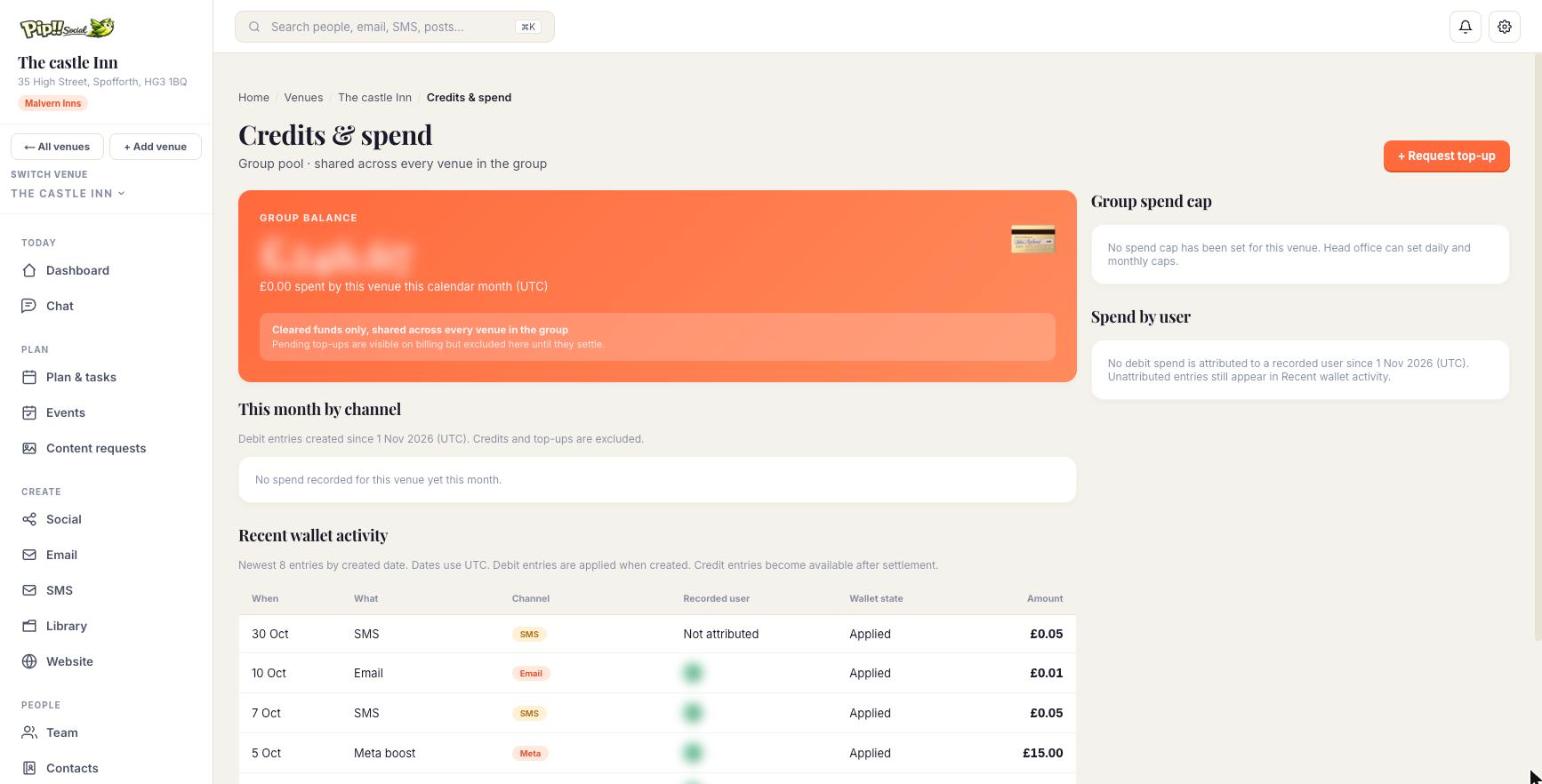
Group balance
The orange card shows the group's balance and how much this venue has spent this calendar month. Only cleared money counts. A top-up that is still pending shows on the Billing page, but is not added here until it settles.
Need more? Select Request top-up at the top right.
This month by channel
What this venue has spent since the start of the month, split by channel such as SMS, email and boosts. Top-ups and refunds are not included.
Recent wallet activity
The newest eight entries: the date, what it was for, the channel, who did it (if recorded), whether it has been applied, and the amount. Refunds show with a plus sign.
Caps and spend by user
Group spend cap: head office can set daily and monthly limits for the venue. If none is set, it says so.
Spend by user: what each person has spent this month, where it is recorded.
All dates and months on this page use UTC, which is the same as UK time in winter and an hour behind in summer.