
Social posts
Boost a post from HQ
Promote one of a venue's published Facebook or Instagram posts, after the Page owner has authorised Pip Social to advertise the Page.
What boosting is
Boosting turns one of the venue's published Facebook or Instagram posts into a paid advert, so more people see it. Select Content boosting under Results in the venue menu.
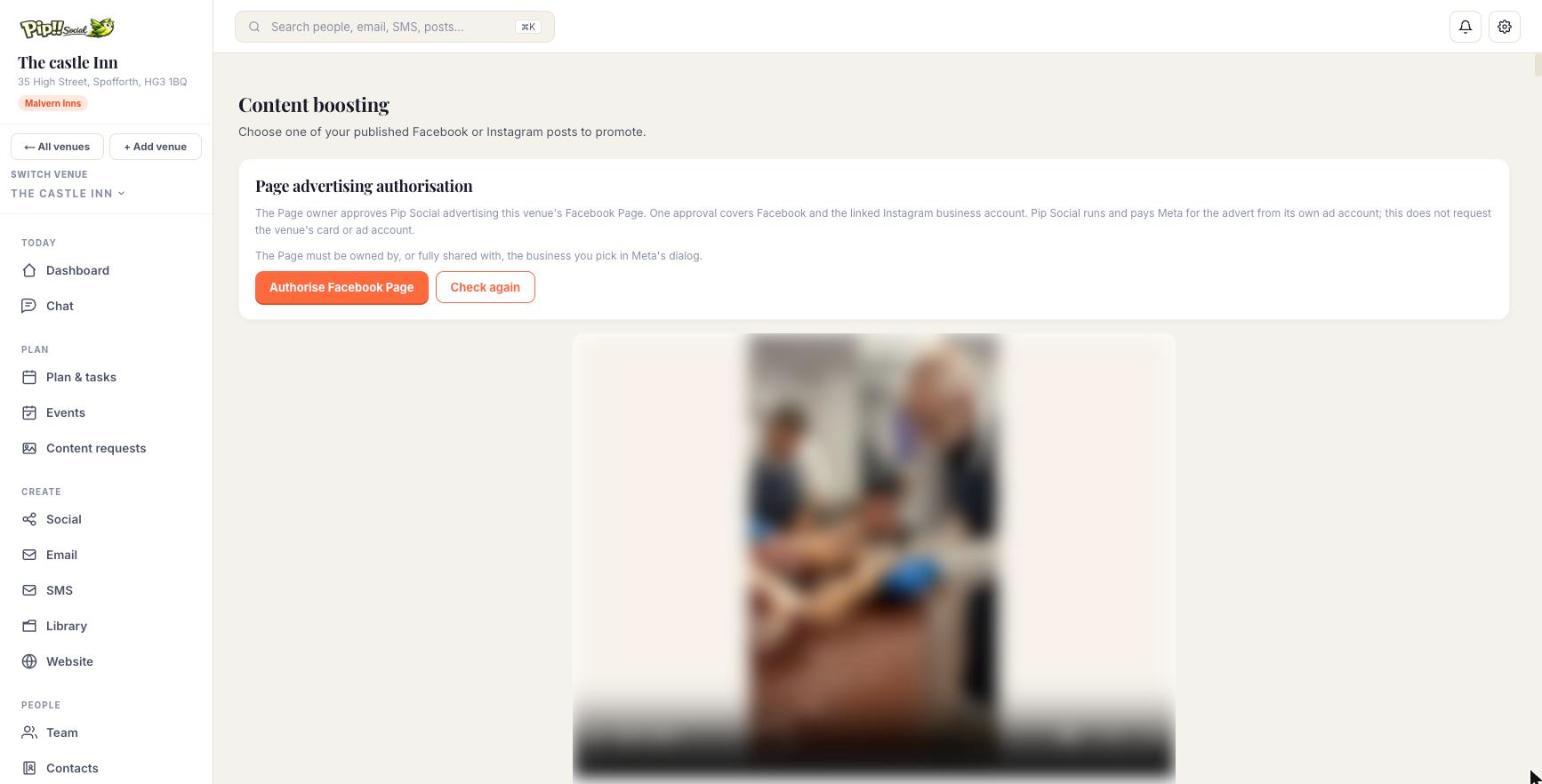
Step 1: authorise the Facebook Page
Before the first boost, the owner of the venue's Facebook Page must approve Pip Social advertising the Page.
Select Authorise Facebook Page and follow Meta's steps.
In Meta's window, pick the business that owns the Page, or one the Page is fully shared with.
Back in HQ, select Check again to confirm it worked.
One approval covers Facebook and the linked Instagram business account. Pip Social runs the advert from its own Meta ad account, so the venue's card or ad account is not needed.
Step 2: choose a post
Below, you will see the venue's published Facebook and Instagram posts, newest first. Each shows the post, the date and its impressions, reach, clicks, likes and shares so far. Select Boost on the post you want to promote.
Only published Facebook and Instagram posts can be boosted.
Seeing results
Growth shows how many boosts were created, their total budget and how many people they reached. If a boost did not launch, Pip's coaching points on Growth will say so, often because the Page needs authorising again.