
Your team and venues
Chat with your team from HQ
Read and reply to your team's conversations in HQ, and start a new one-to-one or group chat with colleagues.
Where to find it
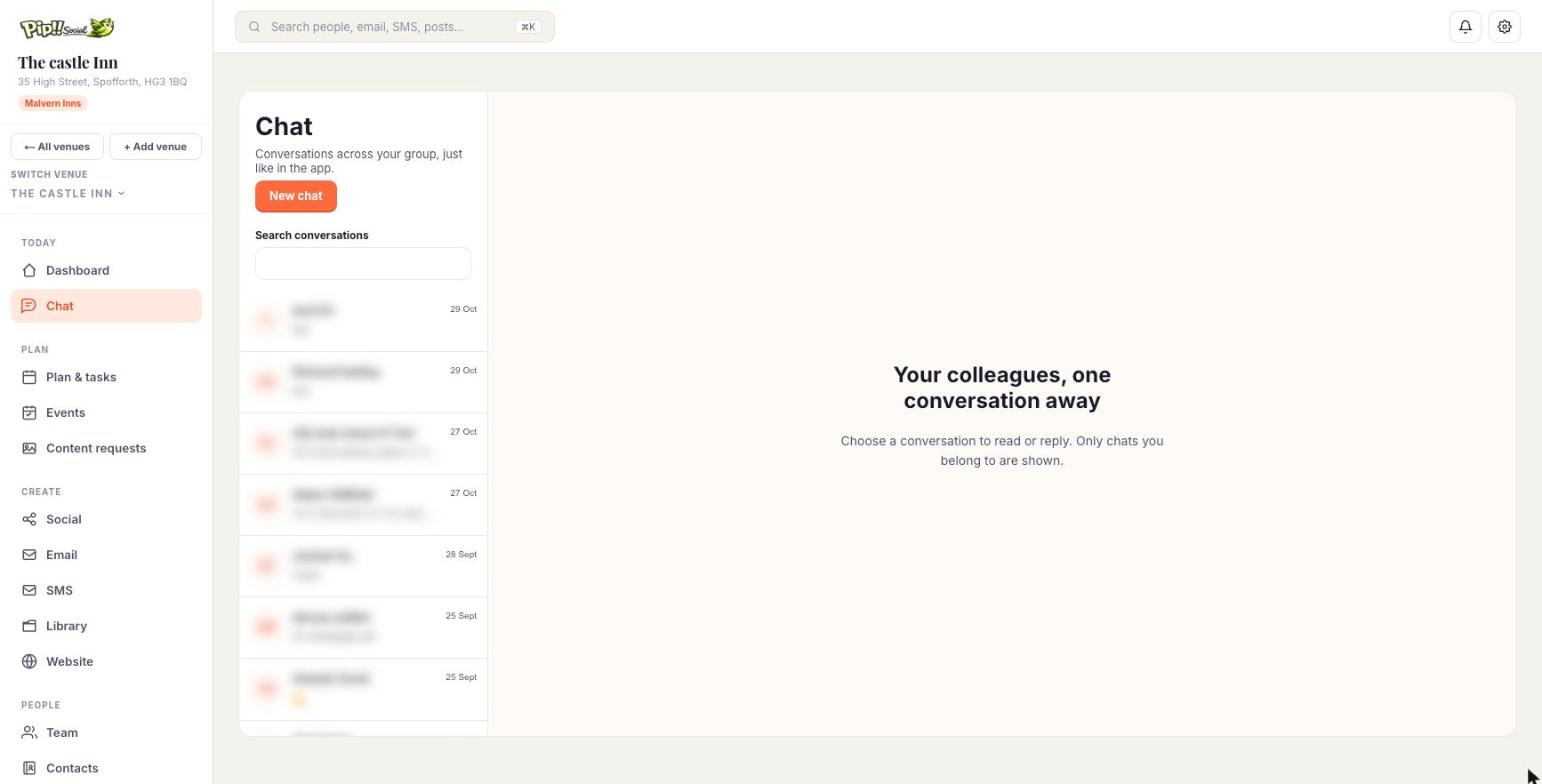
Select Chat under Today in the venue menu. These are the same conversations your team sees in the app, so you can keep talking from your desk.
Reading a conversation
Your conversations are listed on the left, newest first, with the date of the last message. Select one to open it on the right, then read and reply. You only see chats you are part of.
To find an older chat, type a name or a word into Search conversations.
Starting a new chat
Select New chat.
Type in Find a colleague, or tick the people you want from the list. Everyone in your group is shown with their role.
Tick Group chat if you want to talk to several people at once.
Select Start chat.
To leave without starting a chat, select Close.