
Your team and venues
Group venues into patches for ops managers
A patch is a group of venues looked after by one or more ops managers. Create one in HQ by naming it and ticking its venues and people.
What a patch is
A patch is a group of venues, such as all your sites in the North West, looked after by one or more ops managers. In HQ, select Patches in the menu along the top.
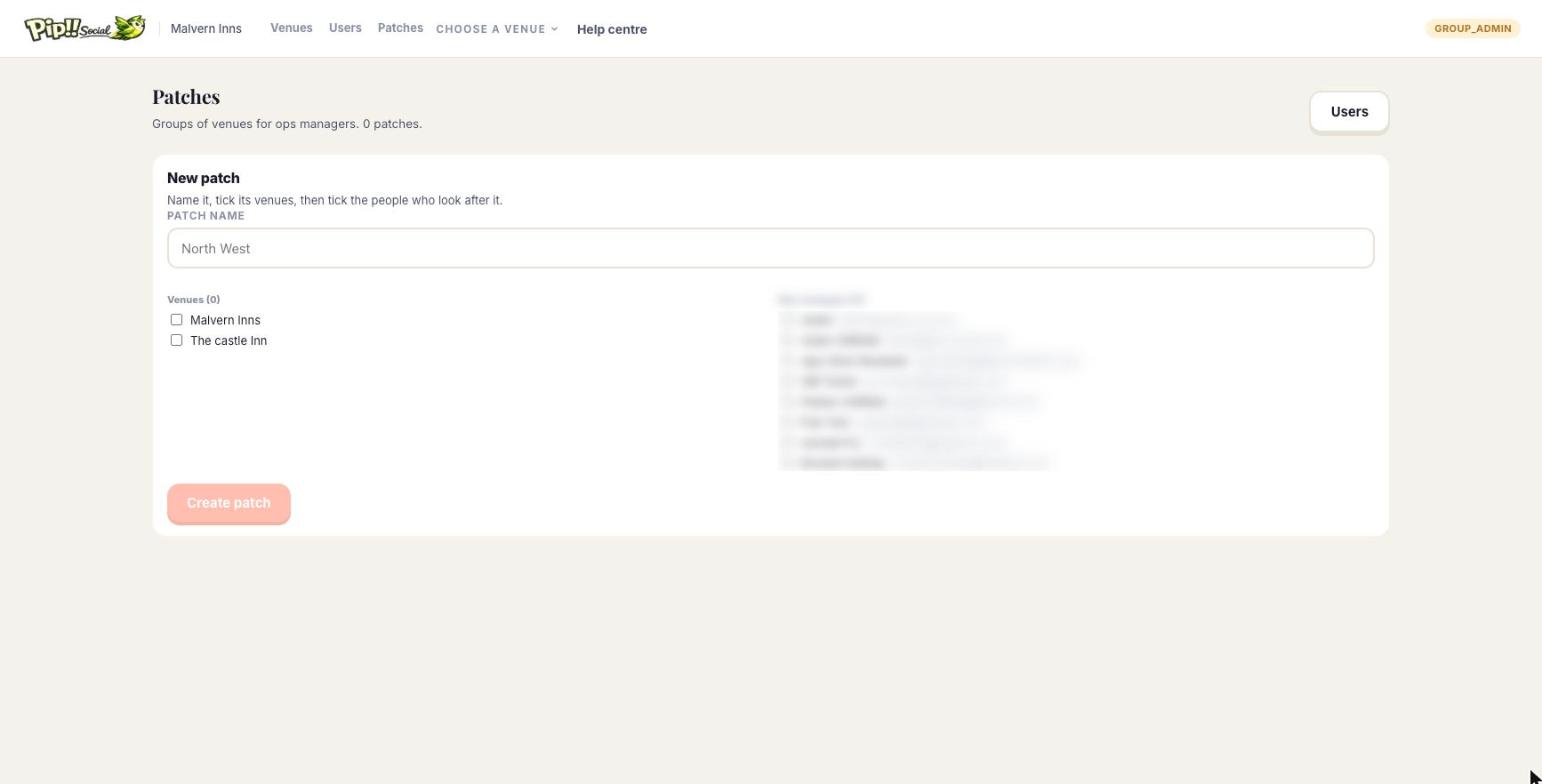
Creating a patch
Type a Patch name, for example North West.
Under Venues, tick each venue in the patch.
Under Ops managers, tick the people who look after it.
Select Create patch.
The Create patch button stays greyed out until you have filled in what it needs. The page heading tells you how many patches you have.
Seeing who has access
Select Users at the top right to see everyone in your group, including how many patches there are.
Still need a hand?Log in to Pip Social to raise a support ticket and follow the replies.Log in →