
Your team and venues
Manage a venue's team in HQ
Invite people, set a prize for contributors, see the leaderboard and check how active each team member is.
Where to find it
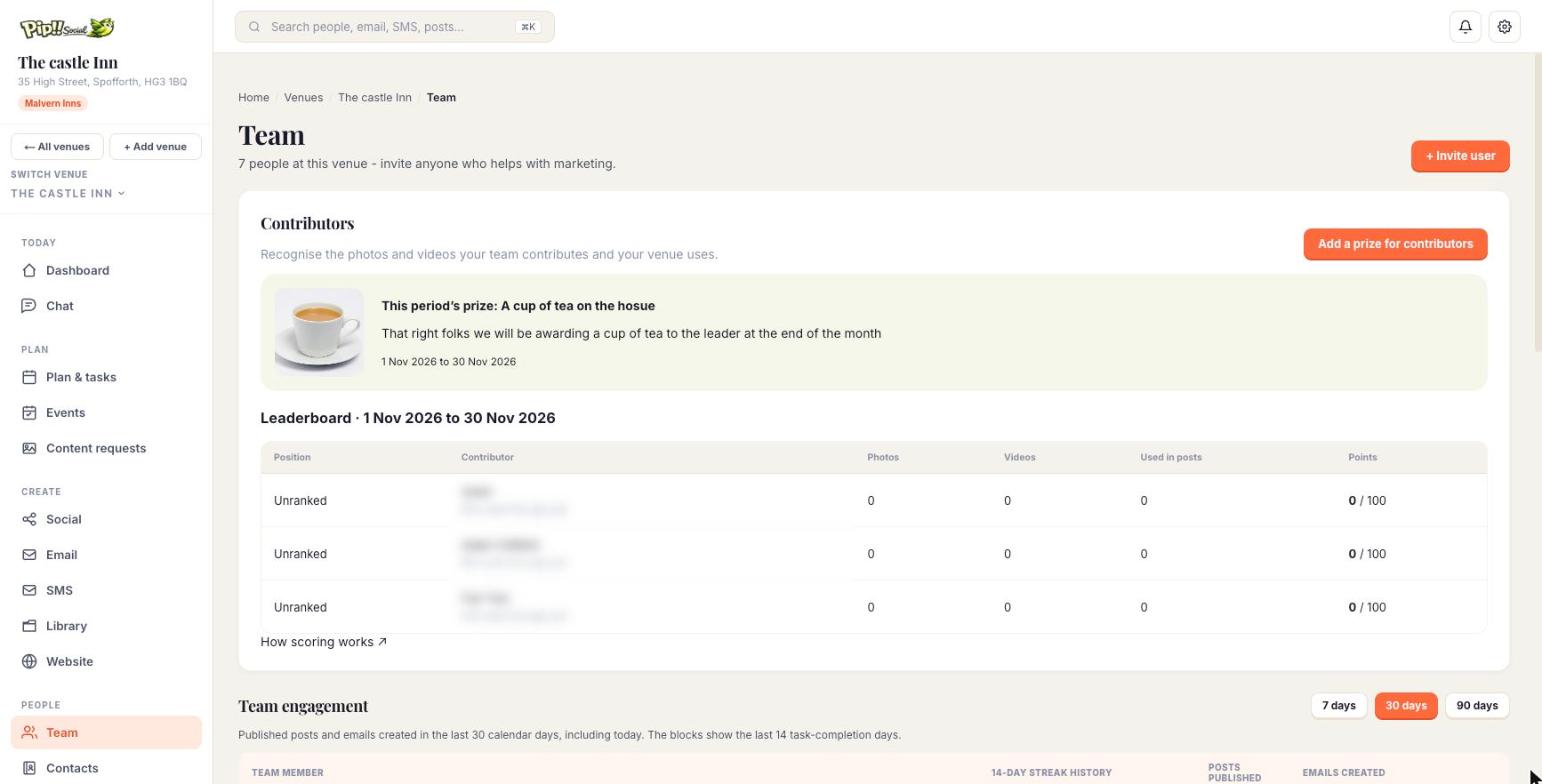
Select Team under People in the venue menu. The top of the page tells you how many people are at the venue.
Inviting someone
Select Invite user at the top right to add anyone who helps with the venue's marketing.
Contributors and prizes
The Contributors card recognises the photos and videos your team adds and the venue uses.
Add a prize for contributors: set a prize for the period, with a short description and dates. The current prize shows at the top of the card.
Leaderboard: each contributor's position, the photos and videos they have added, how many were used in posts, and their points out of 100 for the period.
Select How scoring works to see how points are earned.
Team engagement
This table lists everyone at the venue with their role and when they were last active. It shows their 14-day streak of completed tasks and how many posts and emails they have made. Use 7 days, 30 days or 90 days to change the period.
Select Manage access next to a person to change what they can do at the venue.
Workload this week
Further down, Pip shows how this week's tasks are shared across the team so nobody gets overloaded. To move a task to someone else, drag it between people on the Plan and tasks page.