
Start an email from HQ
Start an email in HQ from a blank page, with Pip, or from a ready-made design for food nights, events and more.
The email workspace
Select Email under Create in the venue menu. The Email workspace gives you three ways to start an email for the venue.
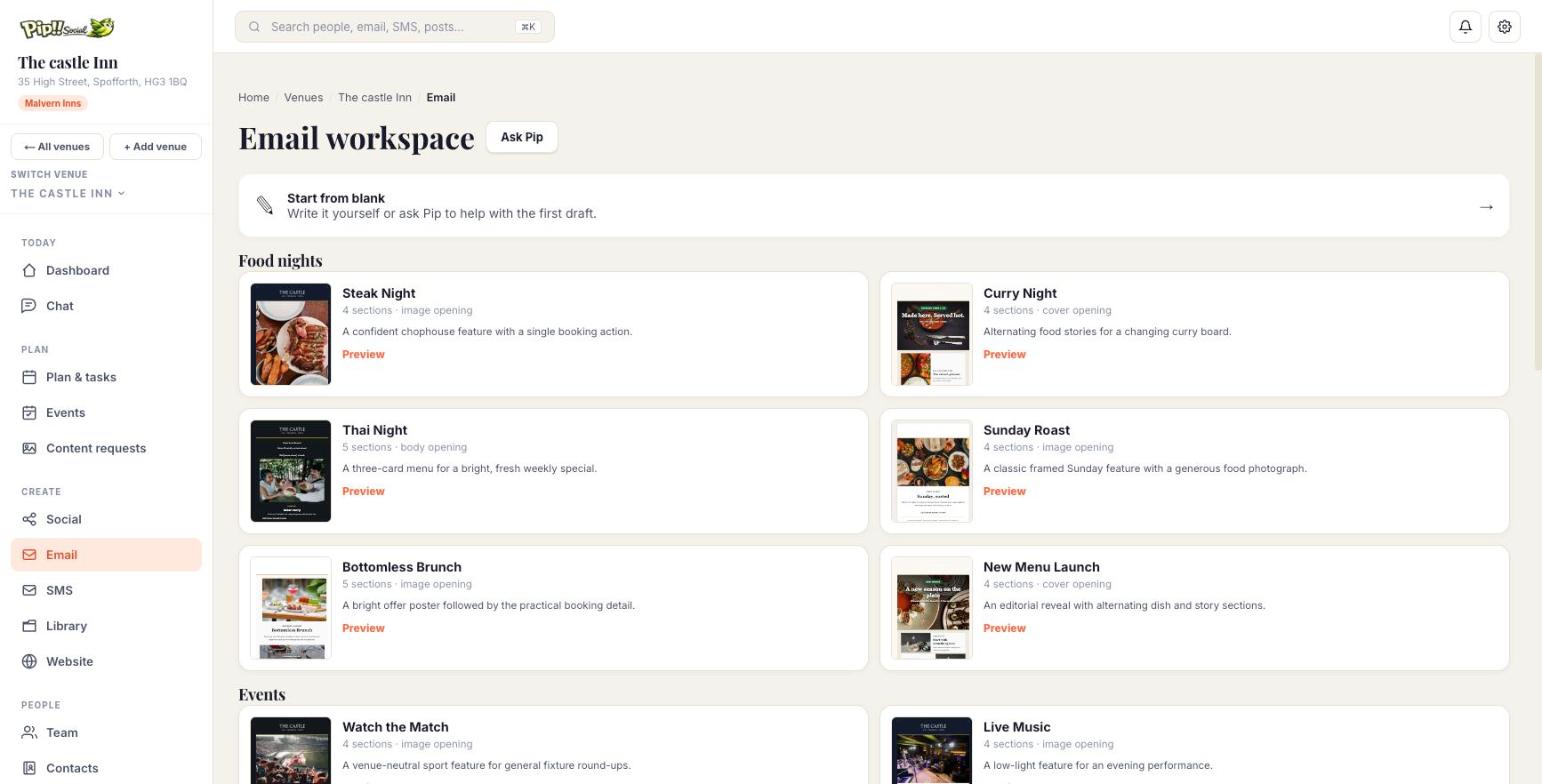
Three ways to start
Start from blank: write the email yourself, or ask Pip to help with the first draft.
Ask Pip: the button next to the heading. Tell Pip what the email is for and Pip drafts it.
Use a design: pick one of the ready-made designs below.
Ready-made designs
Designs are grouped by occasion, such as Food nights and Events. Each card shows a small picture of the design, how many sections it has, how it opens, and a one-line description. For example, Sunday Roast is a classic Sunday feature with a large food photograph.
Select Preview to see a design in full before you use it.
What happens next
Whichever way you start, the email opens in the email composer, where you change the words and photos, choose who it goes to and send it or schedule it. The Email section of the help centre covers each step.